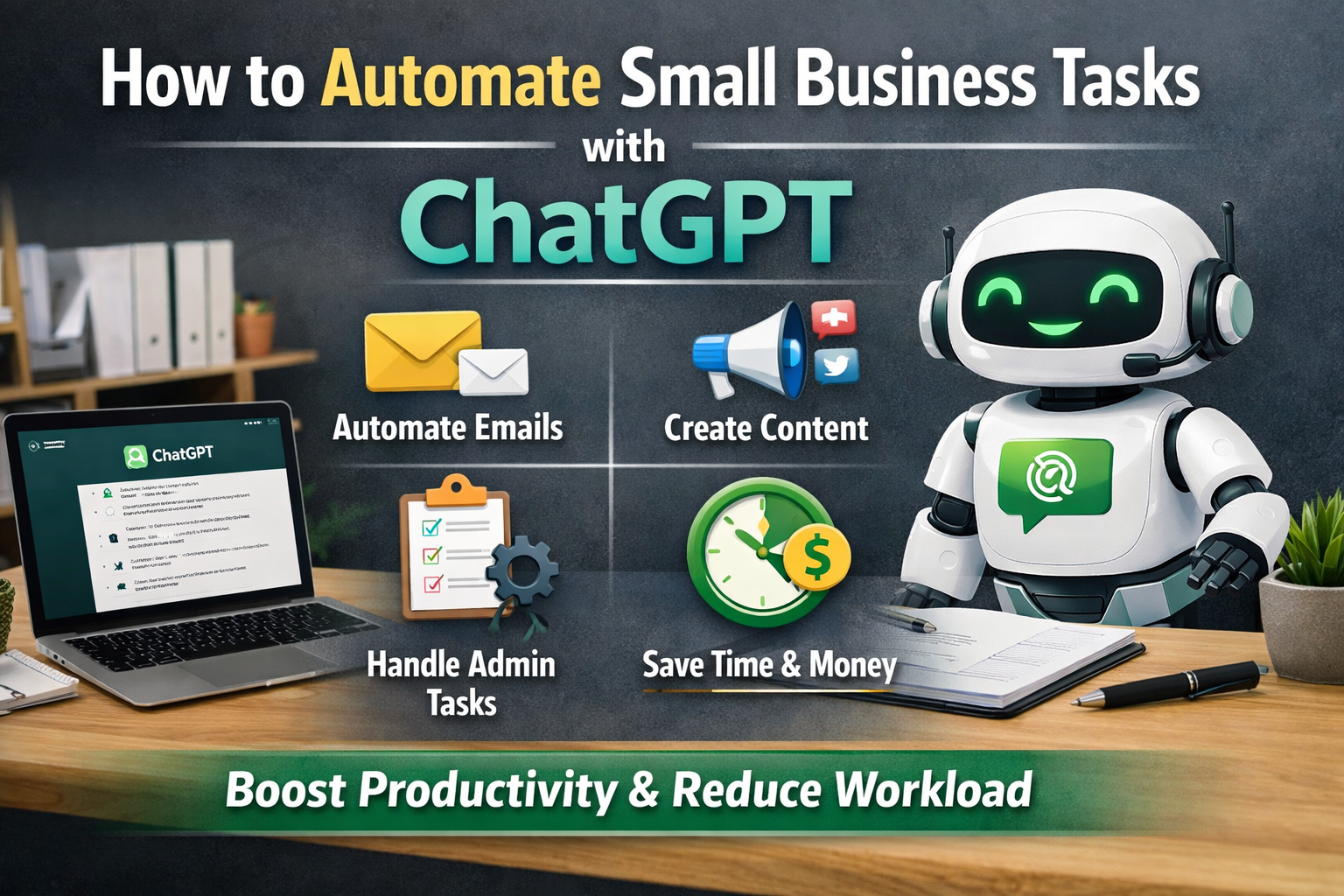

Running a small business is rewarding, but it can also be overwhelming. You handle customer service, marketing, emails, invoices, and daily operations — often all in one day. If you’ve been wondering how to automate small business tasks with ChatGPT, the good news is that it’s easier than you think.
Quick Overview: Automating Small Business Tasks with ChatGPT
| Category | Details |
|---|---|
| Topic | How to automate small business tasks with ChatGPT |
| Primary Tool | ChatGPT |
| Developed By | OpenAI |
| Best For | Small business owners, freelancers, startups |
| Main Purpose | Save time and automate repetitive tasks |
| Tasks You Can Automate | Emails, social media posts, blog writing, admin work |
| Skill Level Required | Beginner-friendly (no coding needed) |
| Time Savings Potential | 5–10+ hours per week (depending on usage) |
| Cost Efficiency | Reduces need for additional staff |
| Marketing Benefits | Faster content creation and campaign planning |
| Customer Support Use | Drafting FAQ replies and response templates |
| Overall Benefit | Increased productivity and business efficiency |
Tools developed by OpenAI, such as ChatGPT, allow small business owners to save time by automating repetitive work. You don’t need advanced technical skills or coding knowledge. With the right prompts and a little practice, ChatGPT can become your everyday assistant.
In this guide, we’ll explain how to use ChatGPT in a simple, practical way to automate common business tasks.
Why Small Businesses Should Use ChatGPT
Small businesses usually have limited staff and tight budgets. Hiring extra employees for every task isn’t always possible. That’s where automation helps.
ChatGPT can assist with:
- Writing emails
- Creating social media posts
- Drafting proposals
- Answering common customer questions
- Generating blog content
Instead of spending hours writing from scratch, you can generate drafts in seconds and then review them before sending.
Automation does not replace your business. It supports it.
1. Automate Customer Emails
One of the easiest ways to automate small business tasks with ChatGPT is by using it for email responses.
Many small businesses receive similar emails daily:
- “What are your prices?”
- “Do you offer refunds?”
- “Are you available this week?”
Instead of typing responses every time, you can ask ChatGPT:
“Write a professional response to a customer asking about pricing for cleaning services.”
You’ll receive a ready-to-use draft. You can adjust details and send it quickly. Over time, you can create reusable templates for common questions.
This alone can save several hours per week.
2. Automate Social Media Content
Social media marketing takes time, especially when you need consistent posting.
ChatGPT can help you:
- Create weekly content ideas
- Write captions
- Suggest hashtags
- Turn blog posts into short posts
For example, you can prompt:
“Create 10 Instagram post ideas for a small bakery in the USA.”
You’ll instantly get structured ideas you can schedule in advance.
This makes it easier to stay active online without feeling stressed about what to post.
3. Automate Blog Writing and Website Content
If your business relies on online visibility, content matters.
ChatGPT can help generate:
- Blog outlines
- Service page descriptions
- FAQs
- Product descriptions
For example:
“Write a 500-word service description for a local plumbing company.”
You’ll receive a draft that you can refine and personalize.
This approach is especially helpful for new businesses that need website content but don’t have a full marketing team.
4. Automate Administrative Tasks
Administrative tasks can quietly consume your day. ChatGPT can simplify many of them.
You can use it to:
- Create invoice reminder emails
- Draft contracts
- Write meeting summaries
- Prepare onboarding documents
For example:
“Write a polite invoice reminder email for a client who is 7 days late.”
Instead of thinking about wording, you get a professional message instantly.
Small improvements like this reduce mental load and keep your communication consistent.
5. Automate Marketing Campaigns
Marketing is essential but time-consuming.
ChatGPT can help you:
- Write email campaigns
- Create promotional offers
- Develop sales scripts
- Build customer follow-up sequences
For instance:
“Create a 3-email promotion campaign for a summer sale at a local gym.”
You’ll receive a complete email sequence that you can paste into your email software.
This makes campaign planning faster and less stressful.
6. Automate Standard Operating Procedures (SOPs)
As your business grows, you need clear processes.
ChatGPT can help you write:
- Employee training guides
- Step-by-step instructions
- Workflow checklists
For example:
“Create a step-by-step cleaning checklist for a residential cleaning service.”
You’ll get a structured document you can customize and give to employees.
Clear procedures improve consistency and reduce mistakes.
Simple Tips for Using ChatGPT Effectively
To automate small business tasks successfully, follow these simple tips:
Be Clear in Your Prompts
The more specific you are, the better the result. Include details like industry, audience, and tone.
Always Review Before Sending
ChatGPT creates drafts, not final decisions. Always check accuracy and adjust details.
Save Your Best Prompts
If a prompt works well, save it for future use. This speeds up your workflow even more.
Start Small
Begin with one or two tasks — such as email replies or social media captions — and expand gradually.
Real-Life Example
Imagine you own a small landscaping business.
Before using ChatGPT:
- You spend 5 hours weekly writing emails and social posts.
- You struggle to keep up with blog updates.
After using ChatGPT:
- Email replies take minutes instead of hours.
- Social posts are scheduled for the entire week in one sitting.
- Blog drafts are created quickly and edited for publishing.
That time can now be used for client meetings, improving services, or generating new leads.
Is ChatGPT Safe for Small Businesses?
Yes, when used responsibly.
You should avoid sharing sensitive information like customer financial details. Use it mainly for drafting content, communication templates, and workflow documents.
When used correctly, it becomes a helpful productivity tool — not a risk.
Final Thoughts
Learning how to automate small business tasks with ChatGPT doesn’t require technical expertise. It simply requires a willingness to try new tools and improve your workflow.
From emails and social media to marketing and administrative tasks, automation helps small businesses:
- Save time
- Reduce stress
- Improve consistency
- Focus on growth
The goal isn’t to remove the human touch from your business. It’s to free up your time so you can focus on what truly matters — serving your customers and building your brand.
Start with one task today. You may be surprised how much easier your business operations become.